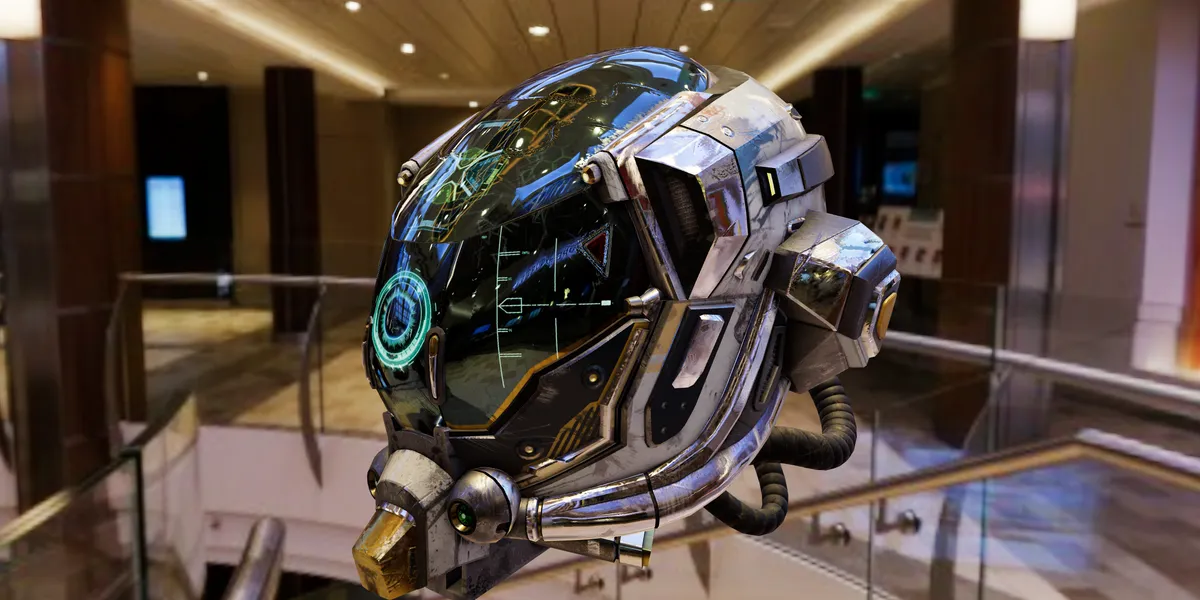
There’s a JavaScript library that quietly powers some of the most impressive things you’ve seen on the web. Product configurators that let you spin a sneaker in 3D. Data visualizations that feel like flying through space. Browser-based games that rival what used to require Unity or Unreal. Interactive art installations that run on a URL.
That library is Three.js. And if you haven’t explored it yet, you’re missing out on one of the most fun and powerful tools in the web developer’s toolkit.
What Is Three.js?
Three.js is a JavaScript library that makes WebGL accessible. WebGL, on its own, is brutally low-level — we’re talking about writing shader code, managing buffer geometries, and doing matrix math by hand. Three.js wraps all of that in an intuitive API that lets you think in terms of scenes, cameras, lights, and meshes instead of vertices and fragment shaders.
The result: you can create stunning 3D experiences that run natively in the browser. No plugins. No downloads. No app store. Just a URL.
Why Should You Care?
Three reasons:
The browser is the most universal platform on earth. Every device has one. Three.js lets you deliver 3D experiences to billions of devices without asking anyone to install anything. That’s an absurdly powerful distribution advantage.
The ecosystem is mature. Three.js has been around since 2010. It has thousands of examples, a massive community, excellent documentation, and a rich ecosystem of addons — from physics engines to post-processing effects to VR/AR support.
It bridges creative and technical. Whether you’re a developer who wants to make something beautiful, a designer who wants to learn to code, or a game developer exploring the web — Three.js meets you where you are. The learning curve is gentle at the start and the ceiling is incredibly high.
What Can You Build?
The range is ridiculous:
- Product visualizations — Let customers interact with your product in 3D before buying
- Data visualizations — Turn complex datasets into explorable 3D environments
- Games — From casual browser games to full multiplayer experiences
- Architectural walkthroughs — Navigate buildings and spaces in real time
- Generative art — Create algorithmic, procedural visual experiences
- Educational simulations — Molecular structures, astronomical models, physics demos
- Portfolio pieces — Stand out with an interactive 3D experience instead of a flat page
Companies like Apple, Google, Nike, and NASA have all shipped Three.js experiences. The Three.js examples page alone is worth an hour of your time.
Show, Don’t Tell
I’ve built a simple interactive demo to give you a taste of what Three.js can do with just a few lines of code:
Interactive Demo
Rotating Cube
A glowing green cube floating over a grid, lit by colored point lights. Orbit, zoom, and explore — all in about 60 lines of code. Imagine what you could build with 600.
The demo includes the full source code, so you can see exactly how it works. The key concepts:
- Scene, Camera, Renderer — The holy trinity of Three.js. Every project starts here.
- Geometry + Material = Mesh — Define a shape, define how it looks, combine them into an object.
- Lights — Ambient, point, directional, spot — they work like real-world lighting.
- OrbitControls — A built-in addon that lets users rotate and zoom with mouse/touch.
- Animation loop — A
requestAnimationFrameloop that updates and renders every frame.
Getting Started
If you want to try Three.js yourself, the setup is surprisingly simple:
npm install threeThen in your JavaScript:
import * as THREE from 'three';

const scene = new THREE.Scene();
const camera = new THREE.PerspectiveCamera(75, window.innerWidth / window.innerHeight, 0.1, 1000);
const renderer = new THREE.WebGLRenderer();

renderer.setSize(window.innerWidth, window.innerHeight);
document.body.appendChild(renderer.domElement);

const geometry = new THREE.BoxGeometry();
const material = new THREE.MeshBasicMaterial({ color: 0x2acf62 });
const cube = new THREE.Mesh(geometry, material);
scene.add(cube);

camera.position.z = 5;

function animate() {
  requestAnimationFrame(animate);
  cube.rotation.x += 0.01;
  cube.rotation.y += 0.01;
  renderer.render(scene, camera);
}

animate();
That’s it. A rotating cube in about 20 lines. From here, you can add lights, shadows, textures, physics, post-processing, and literally anything WebGL can do.
Where to Go Next
If this sparked your curiosity, here are my recommended next steps:
- Three.js Fundamentals — The official manual, excellent for beginners
- Three.js Journey — Bruno Simon’s legendary course (worth every euro)
- Shadertoy — When you’re ready to dive into custom shaders
- pmndrs/drei — If you use React, this library makes Three.js even easier
I’ll be building more interactive demos and writing about advanced Three.js techniques in future posts. If there’s something specific you’d like to see (particle systems, physics simulations, procedural terrain, shader effects), let me know on X.
The web is a 3D canvas. Most people just haven’t realized it yet.
Want to go deeper into game development? Check out my series on using C++ for full game logic in Godot, which covers similar low-level rendering concepts in a native game engine context. Browse more Games articles for tutorials and demos.
Ready to explore?
Try the interactive demo
Drag, zoom, and orbit around a Three.js scene running right in your browser. Source code included.